For you, or a small businessChecked Sep 2026
How do I get started with AI agents?
An agent is software you hand a whole job to. Here is what that means, the ones worth trying first, and how to start safely.
New to all of this? Start with the basics, ten minutes, then come back.
What’s taking up too much of your week?

A family trip, made simple
Dates, budget and the things that matter go in. A few real choices come back.

The money pile, sorted
Receipts, statements and loose ends stop living in the corner of your head.
Get the life admin done
The subscription nobody uses. The refund that never came. The appointment you keep putting off. Hand over the details and it can find the right site, work through the ordinary steps and stop at the moment a message, cancellation or payment needs your say-so.
Get on top of money and tax time
Let it gather the receipts and statements you choose, group the spending, find recurring charges and point out what is missing. It can prepare a clean pack for you or your accountant, but it does not file, move money, dispute a charge or apply for credit without your approval.

The family details, together
Appointment letters, school dates and care notes become one plan people can follow.
Keep the family on the same page
Bring together school dates, appointment letters, care notes and the people who can help. It can spot the clashes, build one plan, make a shared task list and prepare the update that everyone needs, without sharing anything you have not agreed to share.
Get ready for a health appointment
Give it your own letters, medication list and questions. It can put the timeline in order, remind you what needs doing next and make a clean list for the visit, while leaving every medical decision to you and your clinician.
ExploreMuseInstinctChatGPT Work

The business week, moving
The phone rings, the invoices wait and the work still needs a clear next step.
Keep the business moving
When every decision lands with you, it can sort what needs attention, draft the replies, spot overdue invoices, prepare meeting context and leave the customer messages waiting for your review instead of buried in the day.
Make sense of a pile of material
Give it the proposals, notes, emails and deadline. It can find the important differences, show what is missing, put the options side by side and return the questions worth answering before you make the call.
ExploreChatGPT WorkGensparkManus
Keep a weekly job moving
Give it the sources, the format and the point where you want to check the work. It can gather the agreed information, notice what changed, make the first draft and bring it back on time before it is shared with anyone else.

What an agent is, in plain words
What an agent is
Software you give a job to. You say “sort my inbox and draft the replies”. It opens the inbox, reads, drafts, and comes back to you for a yes.
Why it changes your week
Until now, software only did what a person clicked. An agent can read, decide the next step, and use your tools to finish a task on its own. Repeated jobs that ate your evenings can now be handed over, with no developer and no big budget.
What changes
An agent can work across your calendar, email, files or accounts, then come back when it needs your call.
Where you stay in charge
Anything that sends, pays, publishes or deletes waits for your approval. Widen that only after the agent has earned it, one job at a time.
Which agent fits the job?
Several can overlap. The cards below show what each is good at, what it costs, what it needs to access and where you should keep control.
Where to start, for yourself
For the plans, errands and loose ends that otherwise sit in your head all week.
A personal agent that keeps working while you get on with life
Muse
Meta
What it is
Muse is Meta’s personal agent. You can message it in the Muse app or WhatsApp, connect the apps you choose, and hand it a real errand. It works on its own secure computer in the cloud, so it can browse, fill in forms, deal with customer service and keep going after you close the app. It comes back when it needs a decision, such as sending a message or making a purchase.
What people have done with it
Meta says Muse can turn a saved recipe into a grocery list, suggest a menu for a dinner party, remember dietary restrictions and prepare the invitations. This is a company example rather than an independent review.
Meta says Muse can book appointments, fill in forms and handle customer service through its own browser. Its product page says it asks before actions such as sending an email, making a purchase or sharing information.
Muse is rolling out in the United States on iPhone, Android and the web. Meta says it is coming to its AI glasses later. Availability elsewhere has not been announced.
Try this first
Give it one task that ends in a choice rather than a purchase: find three appointment times, three holiday options or three ways to solve a stubborn service problem.
Let it prepare a cancellation, refund request or form. Read the final screen yourself before it sends anything.
Connect one low-risk calendar or list before you connect email, shopping or anything financial.
A personal assistant you text or call
Instinct
Spear Street Technology, San Francisco
What it is
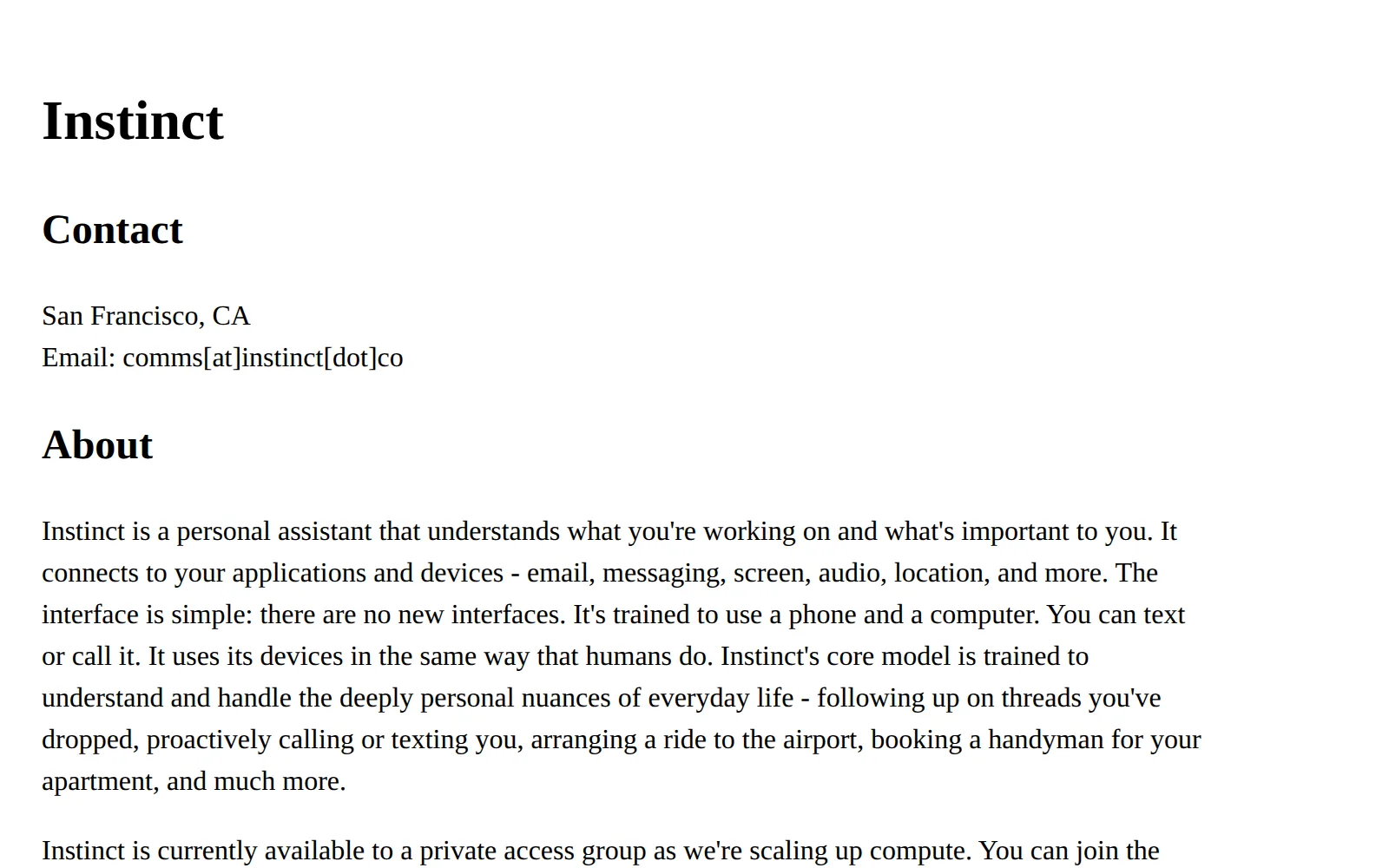
Instinct is the closest thing yet to a human assistant who happens to live in your phone. You text it or call it. It connects to your email, your messages and your calendar, and it can use a phone and a computer the way a person would: open a website, read the code that arrived in your inbox, finish the booking. It is run by Noah Shinn, who was a research scientist at Sierra, the AI customer-service company. The company behind it, Spear Street Technology, is in San Francisco and was founded in 2025.
What people have done with it
The founder’s own list of what early users have done: planned cross-country road trips, bought weekly groceries and concert tickets, cancelled hundreds of dollars of subscriptions, and, in one case, planned a wedding.
Source: PYMNTS, reporting the founder’s account to the Wall Street Journal, Aug 2026
One tester found it had pulled a signup code from their email inbox to finish booking a table on Resy. That is the kind of small, fiddly step that makes most tools give up. It is also why the privacy questions matter.
Source: TechCrunch, Aug 2026
One user told it: “You know that thing we did? Move it back 90 minutes.” It remembered the pub booking, found the pub’s website, changed the reservation and sent the confirmation.
Source: Simon Taylor on X, Aug 2026
A writer who got an invite from a stranger, and connected no email or calendar, had it build a competitive brief on his photo-booth business with more than twenty dated sources, then fact-check his own homepage.
Source: Artificially Intimidating, first-hand review, Aug 2026
One booking went wrong. An investor asked for open dinner reservations and it booked a table with a steep cancellation fee, which he expects the company to cover.
Investors put $250 million into it at a $2.5 billion valuation while it was still in private beta, taking the total raised to $350 million. That tells you how seriously the industry takes this category.
Source: TechCrunch, Aug 2026
Try this first
Give it one booking with a clear answer: a table, a haircut, a dentist appointment. Watch how it confirms before it commits.
Ask it to list every subscription charging your card this month. Cancel the ones you had forgotten, yourself, the first time.
Hand it a small errand with a deadline: a birthday gift under a set budget, delivered by Friday. Approve the purchase before it pays.
A worker that keeps going after you log off
Grok Bot
xAI
What it is
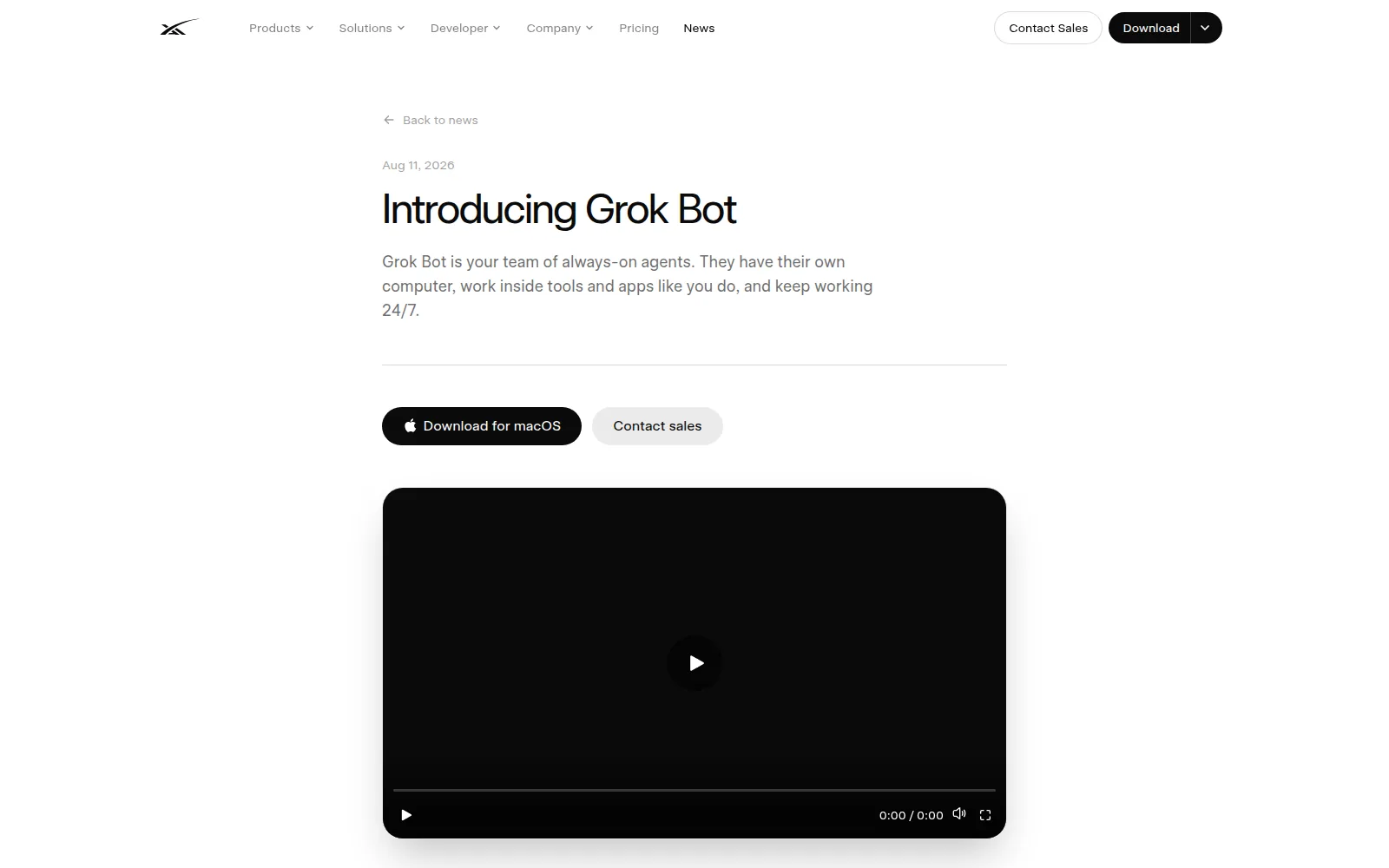
Grok Bot is a small team of AI workers that share a computer in the cloud. That computer has a web browser, files and the ability to sign in to your tools, so a bot keeps working after you close your laptop. You message a bot the way you would message a colleague. The part that matters for a non-technical person: you can ask a bot to follow along the next time you do a job. It watches the steps, saves them as a routine, and takes your corrections.
What people have done with it
xAI’s own launch examples: a sales bot that updates the CRM (the customer list) with notes from call transcripts and drafts the follow-ups, and an operations bot that seats new hires and processes invoices that arrive in Gmail.
The early reviews are thin on long use. One round-up found that almost nobody had run it long enough to judge reliability. The loudest complaint was cost: one user said they had used more tokens in a month than in the previous five years.
The same review read xAI’s security pages and found no published certifications, no stated retention period and no encryption details of xAI’s own. Everything defers to Cursor’s documentation.
Try this first
Build one weekly internal report while a bot follows along. Let it run the routine on a copy of the data and compare its output with yours, line by line.
Give it a research brief with a deadline: three suppliers, prices, lead times, with links. Read every link.
Only then let it touch a live system, and only one: your calendar or a shared document. Leave your bank alone.
For your inbox and calendar
The narrowest, safest first job. A reply drafted for you is easy to judge.
Email sorting, drafted replies, meeting notes
Fyxer
Fyxer AI, London
What it is
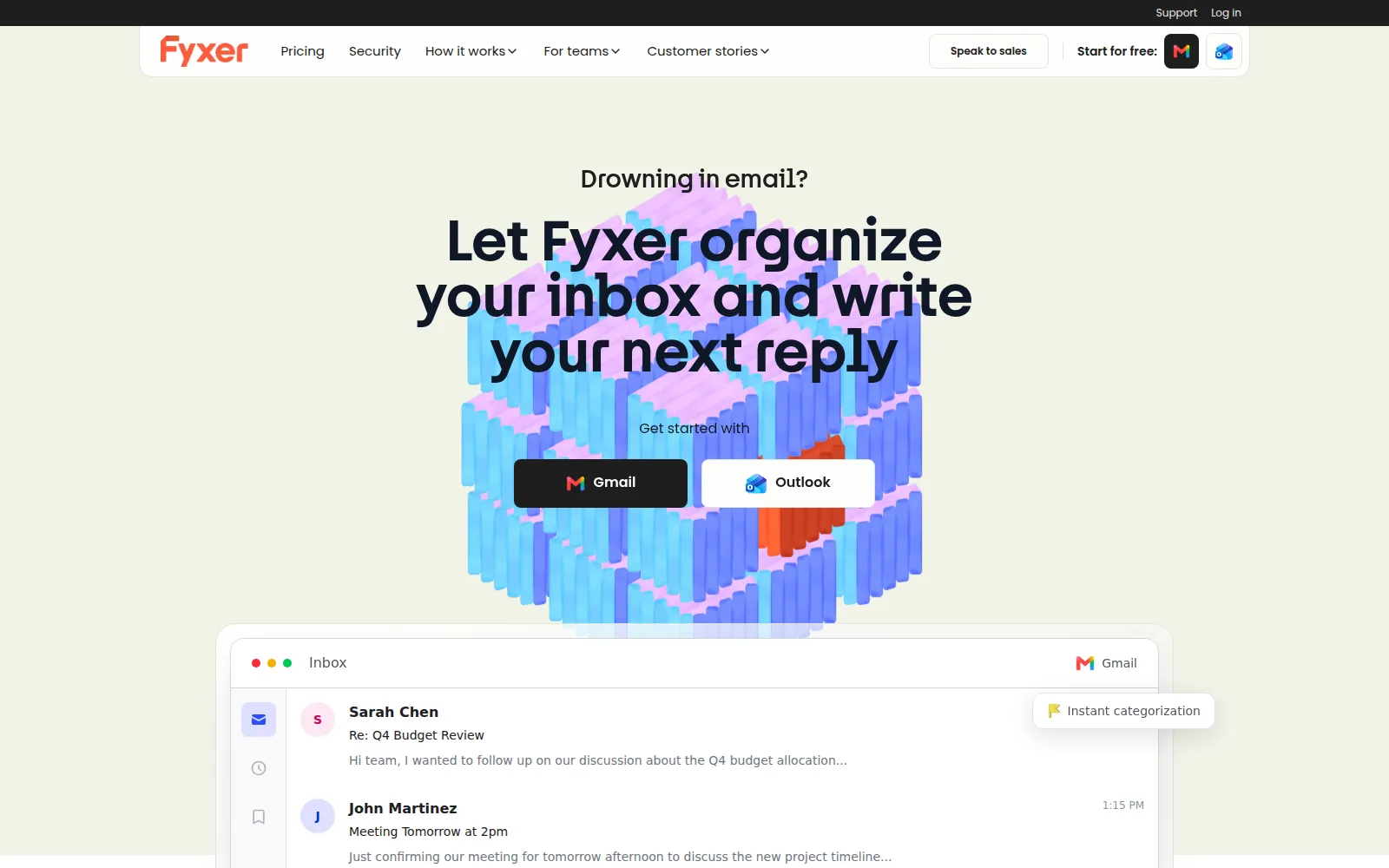
Fyxer sits inside Gmail or Outlook and does three things: sorts what arrives into folders you actually use, writes a draft reply for the emails that need one, and joins your video calls to take notes and list the actions. It reads your past emails to learn how you write. It is the narrowest agent on this page, which is exactly why it is a good first one.
What people have done with it
A reviewer tested it on a one-hour call. It joined on time and had notes about five minutes after the call ended, but the notes were thin: two bullet points from an hour of talking.
Source: tl;dv, Fyxer review, Jun 2026
The drafts are the mixed part. The same reviewer found the default drafts corporate and a bit wooden, but covering the main points. Some users report drafts improving after a few weeks; others found they never stopped needing heavy edits. Mislabelled emails were the most consistent complaint.
Source: tl;dv, Fyxer review, Jun 2026
A reviewer’s fine print: the integrations and the chat assistant sit on the higher plan, a busy inbox pays extra above the plan’s monthly email allowance, and running several meeting bots in the same call can stop it joining.
Source: Gmelius, Fyxer review, Apr 2026
Try this first
Let it sort one inbox for a week without sending anything. Check the folders daily and move what it got wrong; it learns from that.
Turn on drafts for replies only. Read every draft before sending for the first two weeks.
Let it join one internal meeting and compare its action list with your own notes.
An assistant you can give more to over time
Lindy
Lindy, San Francisco

What it is
Lindy starts where Fyxer starts, in your inbox and calendar, and goes further. It sorts and drafts, schedules meetings, prepares you before a call, records the meeting on Google Meet, Zoom or Teams, and sends you a daily brief. Later, if you want, it can take on repeat work across your other tools. Think of it as an assistant who can be given more responsibility over time.
What people have done with it
Inbox sorting works without you approving each move. Labelling, sorting and archiving happen with no rules to write, and reviewers describe a cleaner inbox on day one. Of 171 reviews on the review site G2, 125 mention ease of use.
Source: Carly, Lindy review, Jul 2026
Anything with outside impact, such as sending an email, updating a ticket or posting to another channel, waits for a named approver. The honest caution: it needs weeks of feedback to learn your voice, and early drafts feel generic until then.
Try this first
Ask for a briefing before each client meeting for a week. Judge it on whether it found the thing you had forgotten.
Turn on inbox sorting. Leave drafting for week two.
Ask for a daily brief at 7am and see whether you still open your inbox first.
For a small business
Invoices, marketing, the phone. Each plugs into tools you already run and starts with one job you can check.
The back office, inside the tools you already use
Claude for Small Business
Anthropic
What it is
Claude for Small Business is a set of ready-made jobs that run inside Claude, the chat assistant, connected to the tools a small business already runs on: QuickBooks, PayPal, HubSpot, Canva, DocuSign, Google Workspace and Microsoft 365. Each job has a name that says what it does: an invoice chaser, a month-end prepper, a tax-season organizer, a contract reviewer, a lead triager, a content strategist. You switch it on inside Claude Cowork, the part of Claude that works in your files and tools.
What people have done with it
Launched 13 May 2026 with fifteen ready-to-run workflows and fifteen skills across finance, operations, sales, marketing, HR and customer service, connected to seven business tools.
Two of the launch examples: a payroll planner that ranks what is overdue and queues reminders for you to approve and send, and a month-end close that exports a packet you can forward to your accountant through QuickBooks.
It is a toggle inside Claude Cowork that works on any paid plan. The integrations and workflows cost nothing extra.
Try this first
Connect QuickBooks (or your accounting tool) and run the Invoice Chaser once, with everything held for review.
At month end, run the Prepper and hand the result to your accountant. Ask them what was missing.
Give it one contract you have already signed and see whether its review catches what your lawyer caught.
Seven ready-made helpers for one small business
Marblism
Marblism

What it is
Marblism gives you seven named helpers for one monthly fee: Eva for email and calendar, Penny for blog articles, Sonny for social media, Stan for finding leads, Rachel for answering customer calls, Linda for reading contracts, and Walter, the newest, for building your website. You set each one up by answering questions about your business in plain English. It is the least technical thing on this page and the broadest, which makes it a good fit for a solo owner who wants help across the week rather than one deep tool.
What people have done with it
Every plan includes all the helpers and 50 hours of their work a month. The reviewer’s list of who it suits: solo operators and freelancers, local service businesses that miss calls, and founders doing their own marketing. The review site is a Marblism partner, and says so.
Support is the top complaint. The recurring theme in negative Trustpilot reviews is refund requests getting stuck with an AI support bot and no way to reach a person.
Another round-up praises the time saved and the content quality once the helpers are trained, and warns that they sometimes lose context or get the tone wrong. Plan to check 10 to 30% of what they produce.
Try this first
Start with one helper. Give Sonny or Penny one weekly deliverable built from offers you have already approved.
Let Eva sort your inbox for a week before it drafts anything.
Give Rachel the phone only after you have listened to her on a test line for a day.
A marketer that does the weekly work
Helena
Enrich Labs
What it is
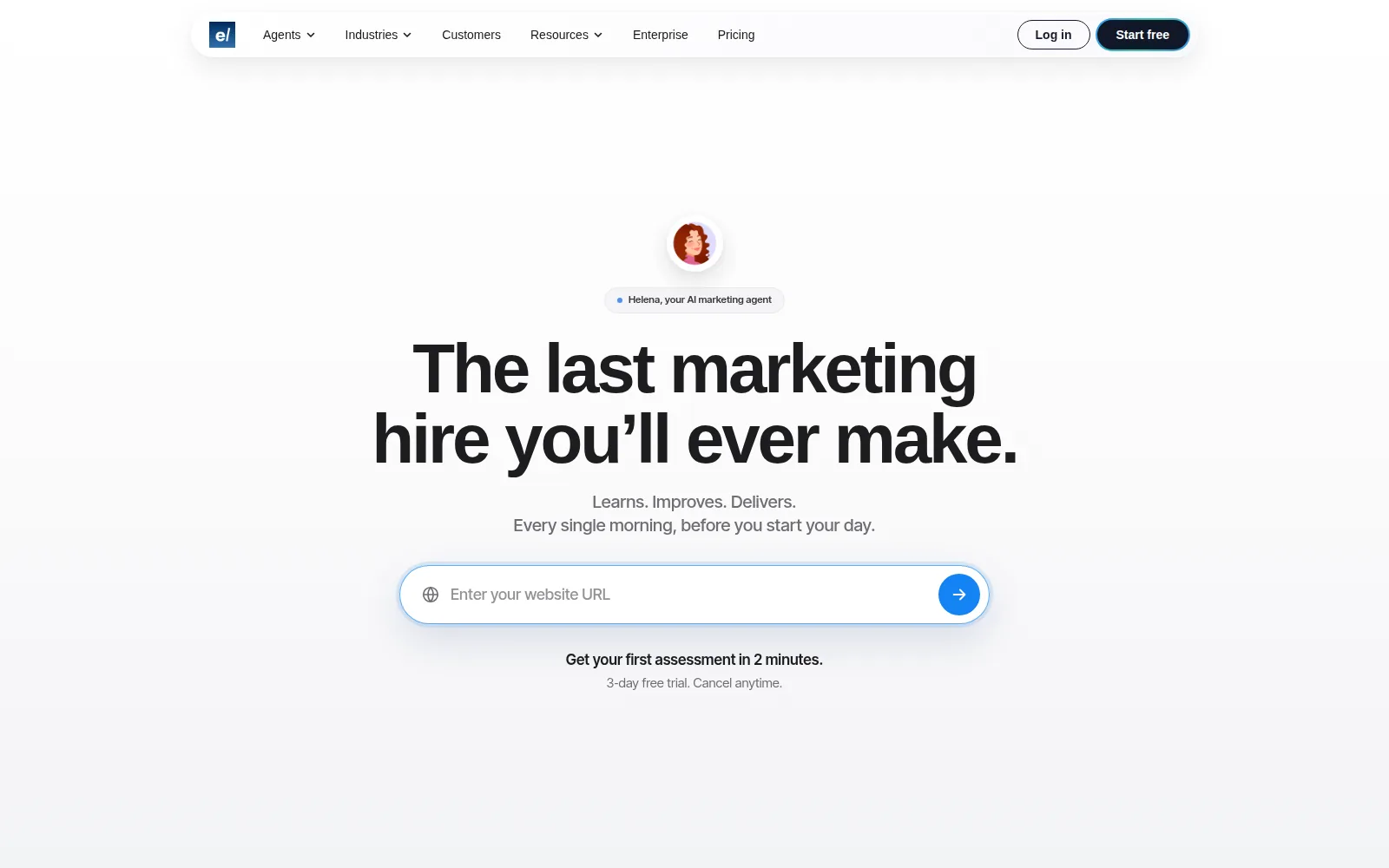
Helena is a marketing agent. You give it your website address, it reads your brand and your competitors and builds a plan, and then it does the weekly work: social posts, blog articles, email campaigns, paid ads and the reporting, inside your connected social, search, email, ads and analytics tools. It reports back every morning. You talk to it by email, Slack or its web app.
What people have done with it
One early user’s first impression: you start by giving it your website address, it fetches your brand, analyses competitors and generates a full brand knowledge base, and the brand read was accurate. The same user found the first posts sloppy and generic, and said so.
Source: Shann Holmberg on X, Mar 2026
The kinds of task it is built to take by message: “plan and publish next week’s social calendar”, “audit our blog for SEO gaps and fix the top three”, “report on last month’s paid performance”. It runs them inside your connected tools and reports back.
Try this first
Give it your website and one approved campaign. Ask for a two-week plan with every item held as a draft.
Read the morning briefing for a week before you let it publish anything.
Let it publish social posts only, then blog posts, then email. Ads last, and never with a card it can spend on freely.
An AI receptionist that answers the phone
Goodcall
Goodcall
What it is
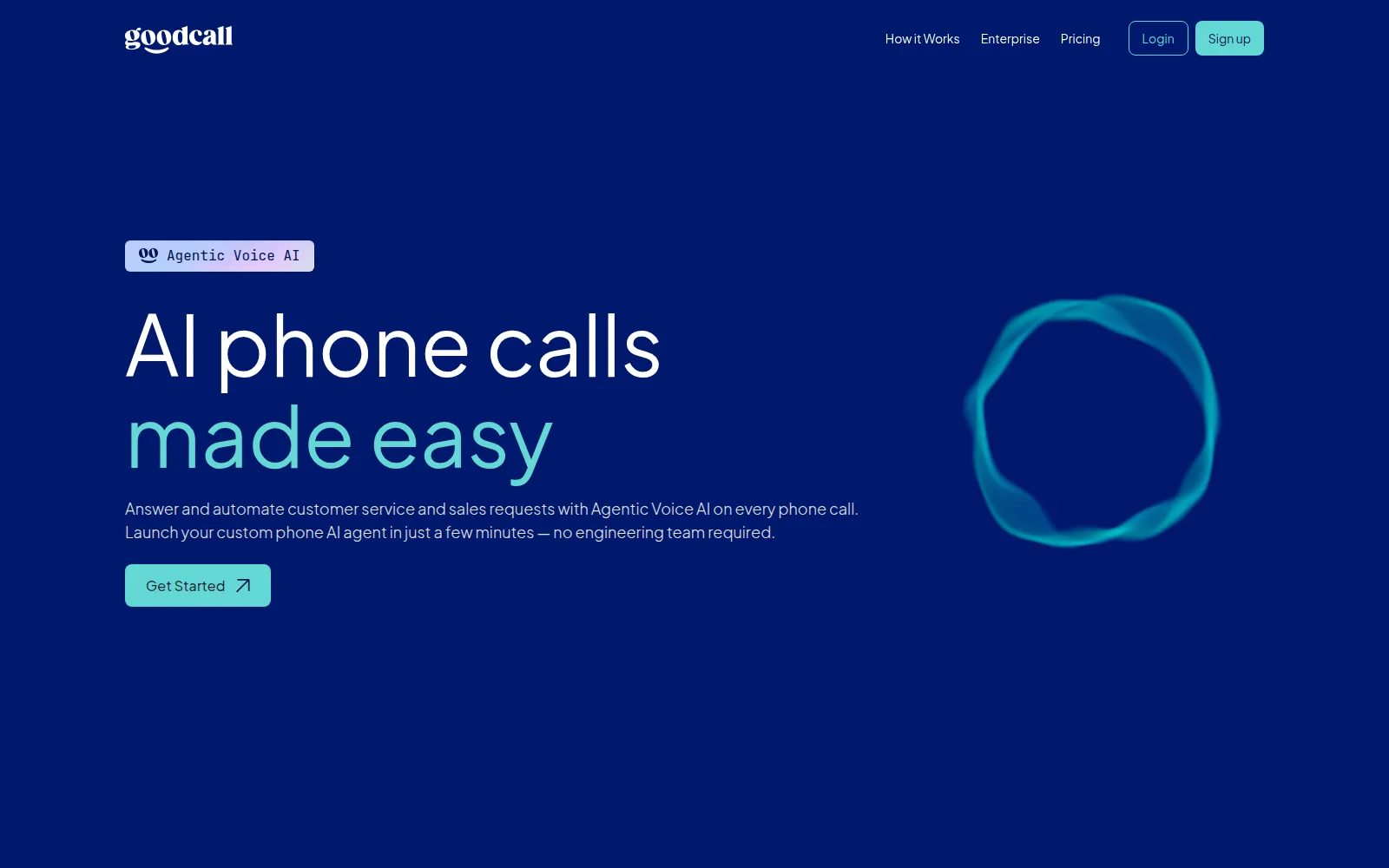
Goodcall answers your business phone when you cannot. It greets the caller, answers routine questions from what you have told it (hours, services, location, prices if you choose), takes the caller’s name and number, takes a message or books a call back, and passes anything unusual to a person. No technical setup: you fill in a form about your business and pick a voice. It is for the plumber, the clinic, the salon and the small agency, where a missed call is a lost job.
What people have done with it
An independent cost guide puts it in the flat-fee group: $79 to $249 a month per agent with unlimited minutes and a cap on how many different callers you get, where most rivals charge by the minute.
A rival’s review puts it at the simple end: it takes messages, gives your hours and handles basic lead intake, and it can get stuck if a caller asks questions out of order.
Try this first
Start with after-hours only. Give it your hours, services, location and a short script for taking a message.
Listen to the recordings of the first twenty calls. Fix the answers it got wrong in the setup.
Then let it handle overflow during the day, and only then let it book directly into your calendar.
For a team that lives in Slack or Teams
One agent the whole team can ask, in the place the team already talks.
A coworker you @-mention in Slack or Teams
Viktor
Viktor
What it is
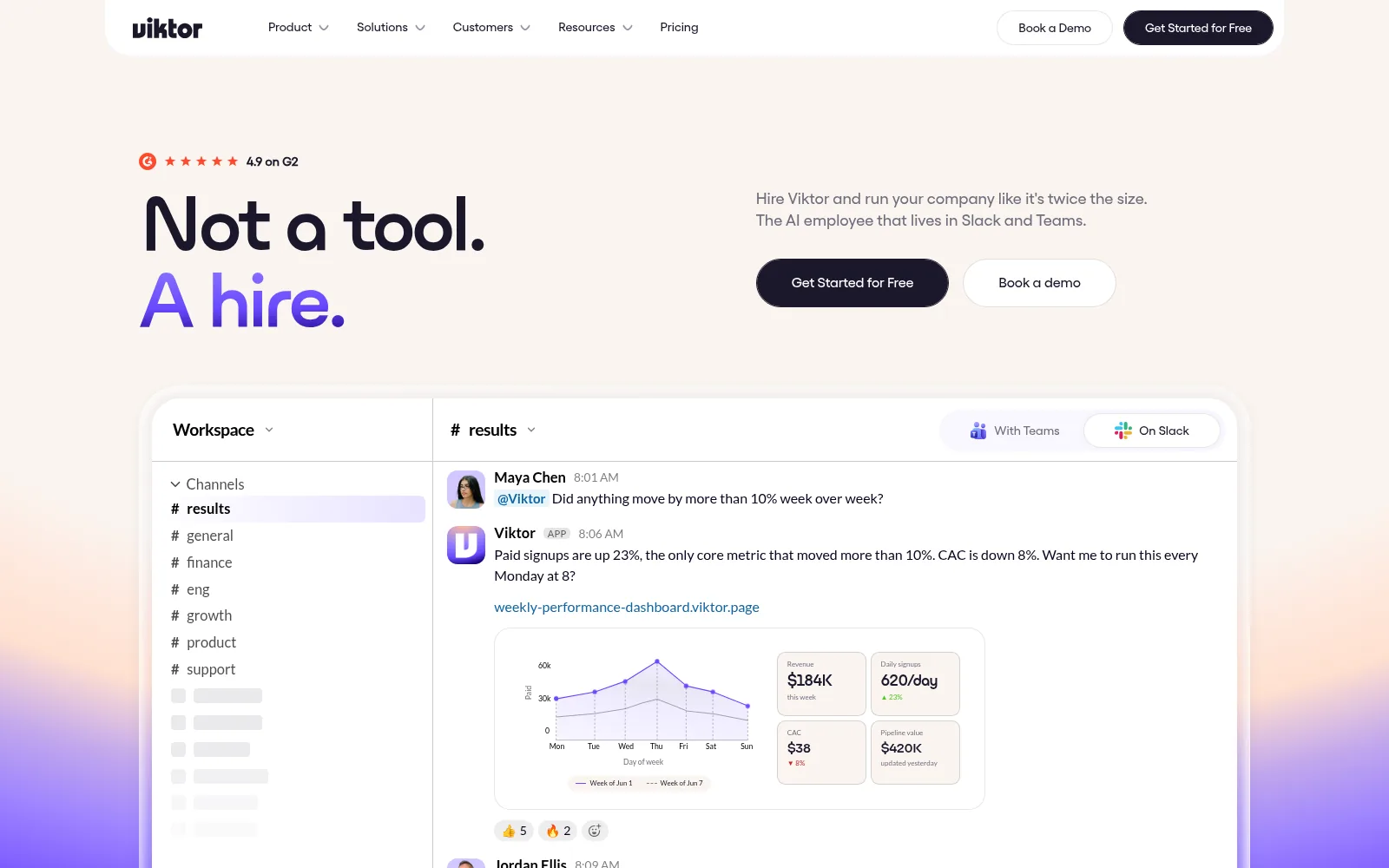
Viktor lives in Slack or Microsoft Teams. Anyone on the team can @-mention it with a job, and it goes off and does the work, then comes back with a finished thing: a PDF, a chart, a dashboard, a tagged board of customer feedback, a small internal app. It is built for a team that already talks in one of those tools and wants one agent everyone can ask, rather than a personal assistant each.
What people have done with it
Reviewers’ summary of what makes it different: it finishes the job instead of answering the question. You get docs, dashboards, tagged feedback boards, even small internal apps. One example is a weekly performance PDF with a bar chart, delivered on a schedule.
Credit spend is hard to forecast: one team of five reported running out of credits in 36 hours. Unused credits roll over for one month, and automatic top-ups can be capped.
Source: Lindy, Viktor review, Aug 2026
Try this first
Ask it to assemble one weekly summary from systems you already use, and check every number against the source the first three times.
Give it a document to turn into a slide deck for an internal meeting.
Keep it read-only on your business tools for the first month.
For a research project, or the small tool nobody will build for you
Bigger handoffs. Give it a clear question or a clear tool to build, and read the result before anyone relies on it.
Research, a report and a slide deck from one question
Genspark
Genspark
What it is
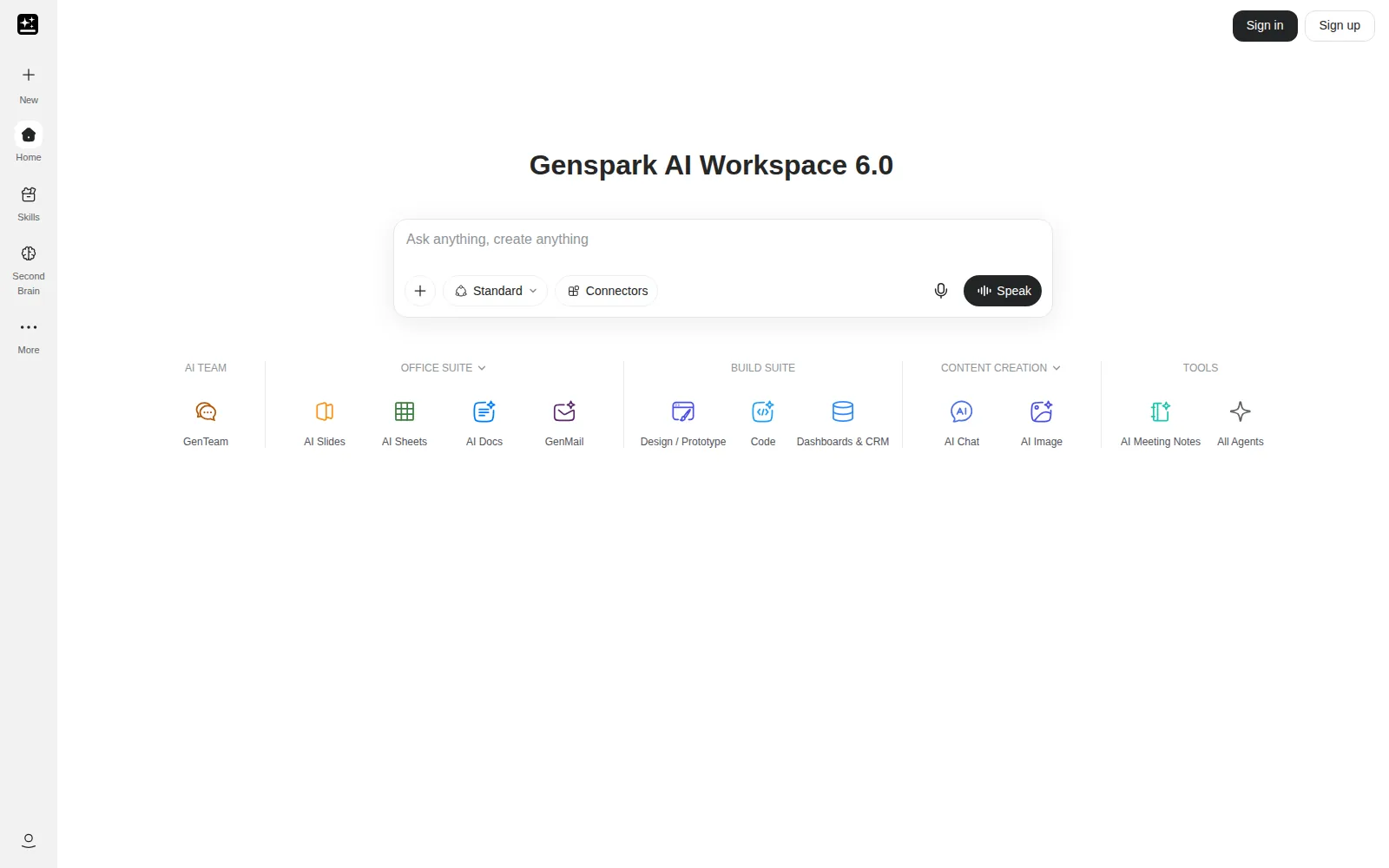
Genspark is a workspace with a general-purpose agent inside it. From one question it will research a topic and hand back a structured report, a slide deck, a spreadsheet, or all three. It can even make an outbound phone call on your behalf to ask a question. Good for a consultant, an operator, or an owner who wants a first draft of a piece of research rather than a chat about it.
What people have done with it
From a prompt it turns out a finished deliverable: a research page, a slide deck in about a minute, a filled spreadsheet, or a landing page. Its Call For Me agent places a real phone call in a synthetic voice and handles the conversation.
Try this first
Turn one real question you have this week into a report with sources, and read every source.
Ask for the same research as a slide deck and see how much you would change before showing it to anyone.
Try Call For Me on something harmless: opening hours, whether a venue has parking.
Turn your notes and files into work you can review
ChatGPT Work
OpenAI
What it is
ChatGPT Work is for a larger job with a clear finish line. Give it the notes, files and background, then ask for a brief, a slide deck, an analysis or a regular update. It works through the task and brings back something you can read, correct and use. You can follow along, answer questions and approve important actions as it goes.
What people have done with it
OpenAI suggests using it to turn notes, research and meeting materials into a finished presentation. It can use your files and connected tools to find information, create a finished file and run a job you then review.
Try this first
Pick one decision you need to make this week. Ask for a clear result, such as a two-page brief or a five-slide deck.
Attach only the notes you are comfortable sharing. Say which files it may use, and ask it to name anything it could not find.
Read the first draft closely. Correct the facts and the tone before you share it with anyone else.
Research and project work from one brief
Manus
Manus
What it is
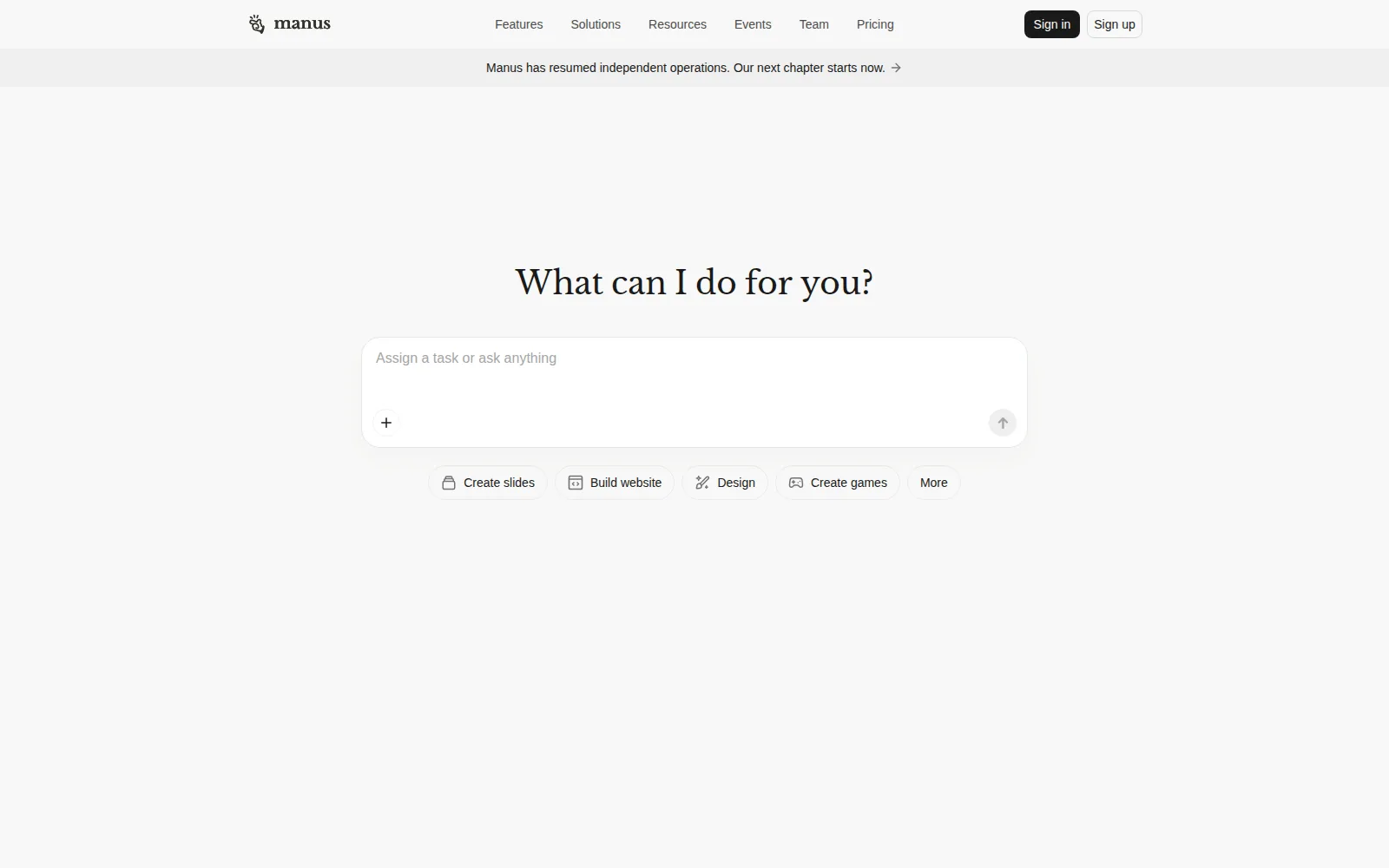
Manus takes a well-scoped brief and works through it on its own computer until it has something to show you: a comparison, a prospect list, a market map, a presentation, a cleaned-up spreadsheet. You can watch it work step by step, which is useful the first few times because you see where it went wrong. It suits the job that starts with a clear question and should end with a draft a person then checks.
What people have done with it
It charges by the task rather than the month. Credits go on the model’s thinking, the time its computer spends browsing and handling files, and any outside services it calls. Unused monthly credits expire.
Source: Manus, help centre, Jun 2026
An independent pricing guide’s summary: every action the agent takes uses credits, the number depends on how complex the task is, and all paid plans include 300 refresh credits a day and up to 20 tasks at once.
Try this first
Ask for a comparison of three suppliers with the decision criteria and source links shown.
Give it a messy spreadsheet and a plain description of how you want it cleaned up.
Watch the steps on the first two jobs. It teaches you what to ask for.
Build the small tool you wish existed
Replit Agent
Replit

What it is
Replit Agent builds software from a description. You type what you want in plain English, a quote calculator, a client intake form, a simple dashboard, a booking page, and it writes the code, shows you the result, and changes it when you say what is wrong. You never have to read the code. It is the right answer to the sentence “nobody will ever build this for me”, as long as the thing is small and contained.
What people have done with it
Core includes a monthly usage allowance. When it runs out, Replit switches to pay as you go, which the reviewer warns can cause bill shock. Budget two to three times your monthly credits for the first month of heavy building.
Try this first
Build a staff-only first version with made-up data. Test every path that matters before anyone relies on it.
Ask it to explain, in plain words, where the data is stored and who can see it.
Keep customers and payments out of anything it builds until someone technical has looked at it.
Before you hand over a job
- Start on a copy, or in a lane where nothing is final.
A test inbox, last month’s data, a draft folder. Let it make its first mistakes where they cost nothing.
- Keep the send, pay and publish buttons.
It drafts, you approve. Widen that only after weeks of drafts you sent unchanged.
- Read the first ten results properly.
Read every line. The tenth one tells you whether it understood the job or got lucky.
- Know how to switch it off.
Before it touches anything real, find the off switch, the way to undo its last action, and the way to disconnect it from your email.
- Know the monthly cost before it becomes a habit.
Most of these charge per seat, per task or per run, and several bill extra above an allowance. Write the number down on day one.
Want to learn this before you buy anything? Two free courses, each under an hour and neither needing code, teach how to hand an agent a job and check the result. See the courses about AI agents
Delegating to agents is the same skill as delegating to people. That is the core of my book. Read about The Bias Advantage